
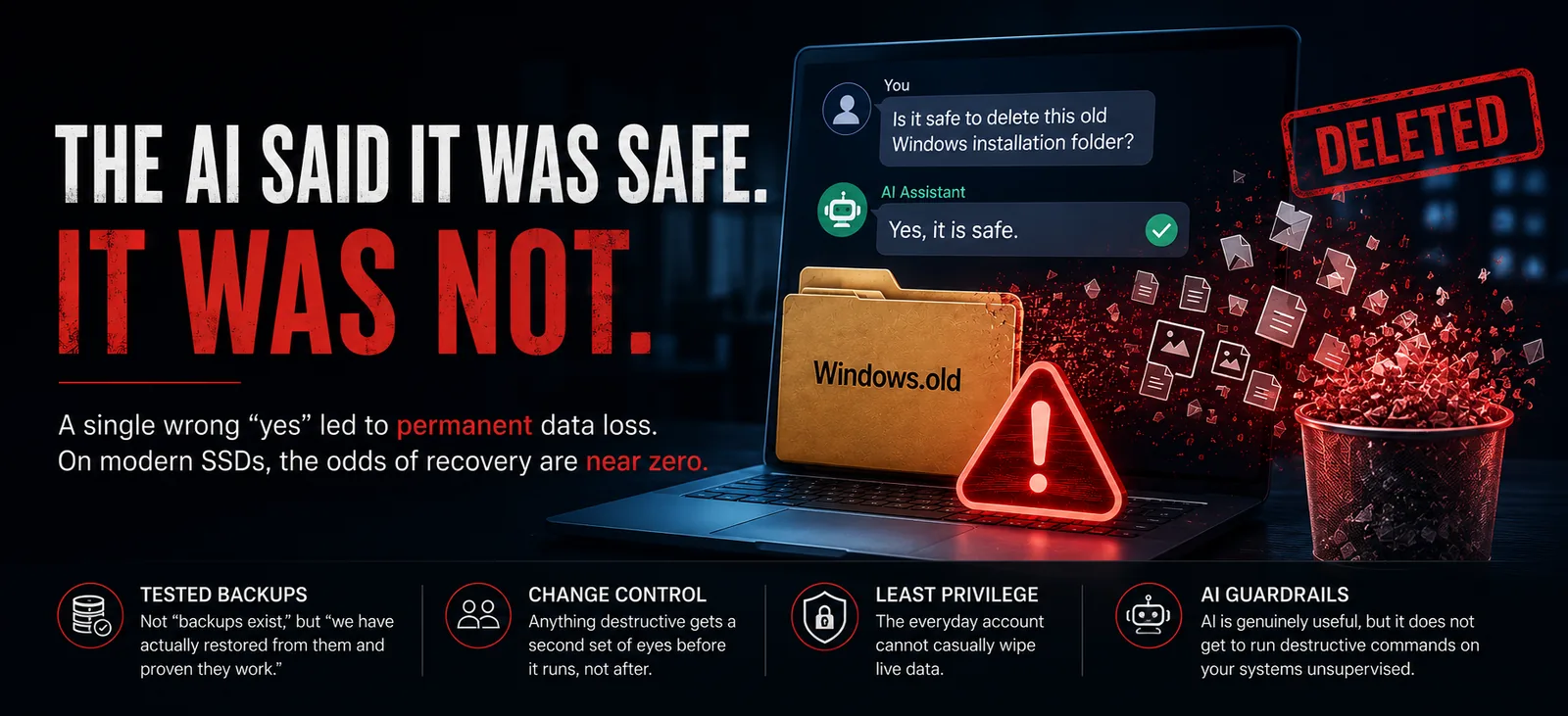
The AI said it was safe. It was not.
A story going around this week is a good reminder of something we think about every day: who runs a command matters just as much as what the command does.
Someone asked an AI assistant to clean up an old, leftover Windows installation folder. They were careful. They even asked the assistant directly, “is this safe?” The assistant said yes.
It was not. That old folder still held hidden shortcuts, called junctions, that pointed back to the person’s live Documents and Pictures. The cleanup tool followed those shortcuts into the real folders and emptied them. It came down to a single missing safety flag. On a modern SSD, the odds of getting deleted files back are close to zero. The files were simply gone.
The frightening part is not that a mistake happened. It is that the tool was confident and wrong, and a trusting “yes” was all it took.
A few things that would have changed the ending:
- Tested backups. Not “backups exist,” but “we have actually restored from them and proven they work.”
- Change control. Anything destructive gets a second set of eyes before it runs, not after.
- Least privilege. The everyday account cannot casually wipe live data.
- Guardrails on AI tooling. AI is genuinely useful, but it does not get to run destructive commands on your systems unsupervised.
This is the real difference between a Technology Solutions Provider and someone simply “doing IT.” You are paying us to be careful on your behalf, so a bad “yes” never costs you your data.