
Business Wi-Fi and networking for Auckland workplaces
If connectivity is making work harder, describe where it happens and what your team is trying to do. Anvil can discuss Wi-Fi and network requirements for offices and business sites, including equipment, installation and ongoing management where agreed.
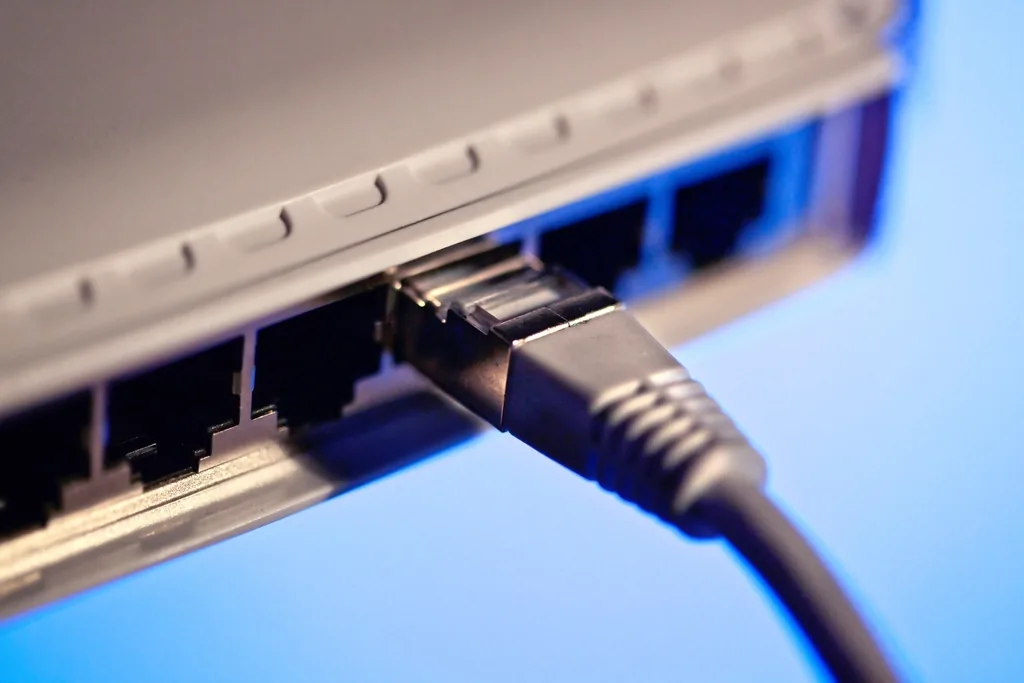
Design around the site, not the catalogue
The right approach starts with the workplace, its users and the applications the network needs to support.
Plan around how the site is used
Tell us where staff work, how many devices connect and whether you need guest access or links between parts of the site. Building layout, existing cabling and equipment all affect the design.
Describe the problem specifically
A meeting room where calls drop, devices that lose connection, or a connection that slows during busy periods. These details help identify what actually needs investigating.
Choose equipment as a system
Wireless access points, switches, routers and firewalls have different roles. Selecting them together helps define how the network will be managed and how new requirements can be accommodated.
Product choice follows the requirement. Anvil works with UniFi for suitable networking requirements and can discuss alternatives when another approach fits better — considering capacity, management and compatibility.
Define who administers what
Discuss how staff, guests and other connected devices should use the network, who administers it and who can approve changes. Include remote access and supplier connections where relevant.
Scope it before anyone visits
Any proposed design or installation should identify its scope, site access requirements, change window and handover responsibilities.
Connect it with the rest of your IT
A network project may also involve hardware procurement, ongoing IT support or security requirements. For managed threat monitoring, see Bitdefender MDR and MXDR.
$ anvil network --survey
Reported: calls dropping in the west meeting room
> Coverage map .............. captured
> Channel interference ...... contention found
> Switch port capacity ...... ok
> Guest network isolation ... not configured
> Cabling to AP-03 .......... no run present
Tell us about your site
Share as much of this as you can and we will discuss the next step and any information needed to scope the work.
- The site location and approximate layout
- Number of users and connected devices
- Current network equipment, if known
- Whether you need guest access
- Links required between parts of the site
- The specific problem you want solved