
Email security for Microsoft 365 and Google Workspace
Email security is part of how your business protects accounts, information and payments. Anvil can discuss additional email protection for Microsoft 365 and Google Workspace alongside the controls you already use.
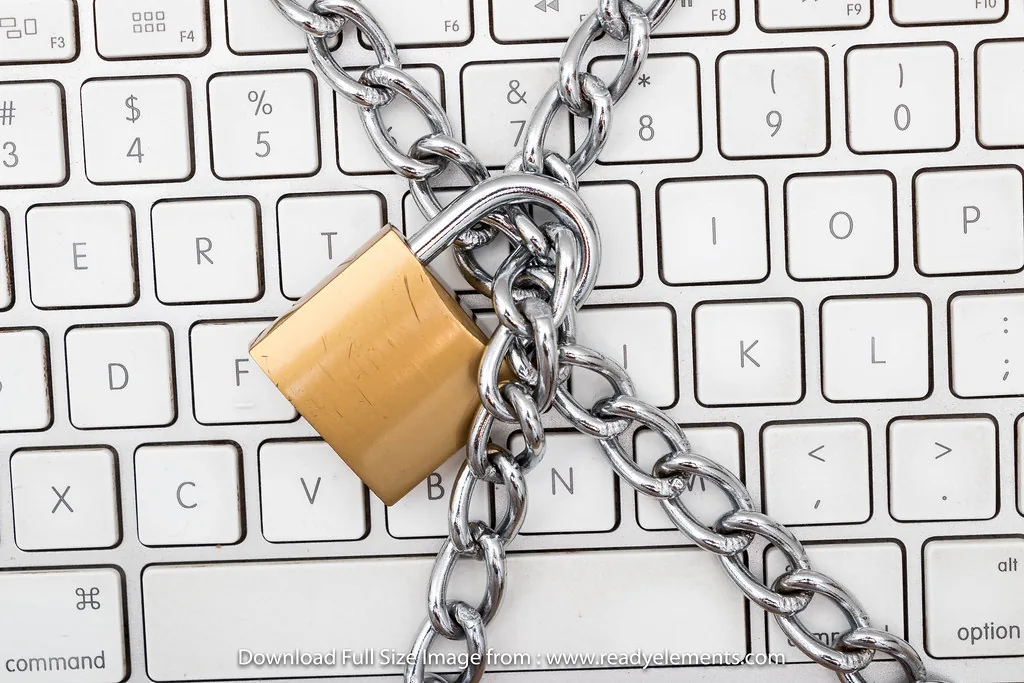
Know what you already have
Start with your email platform, the protection currently enabled and the problems you want to address.
Understand your current protection
Your platform and licence affect the native security features available to you. Before adding another product, identify what is enabled, what it covers and who manages it.
Messages and account access together
Suspicious links and attachments are one part of the picture. Account protection, permissions and a clear process for reporting suspicious activity also matter.
Keep payment verification in the process
A convincing message can ask a member of staff to change bank details or send information. Confirm unexpected payment changes through an established contact method, using details your business already knows.
A product does not replace a process. Email protection can support your controls, but staff still need a clear way to verify unusual requests and report concerns — and someone has to be responsible for handling alerts and quarantined messages.
Tell us what you are actually seeing
Impersonation attempts, unusual account behaviour or legitimate messages being blocked all point at different answers. The details help frame the requirement and the product discussion.
Connect email with broader security
For account administration, see Microsoft 365 services. To discuss recovery of mail and other business information, see cloud backup.
Where monitoring fits
If you need specialist security monitoring and response, explore Bitdefender MDR and MXDR. Supported cloud telemetry and response actions must be scoped for the environment; an email product alone does not define that managed service.
$ anvil m365 --watch-identity
Signal: sign-in from an unusual location
> Impossible travel ......... flagged
> New forwarding rule ....... created 04:12
> Sessions revoked .......... done
> Credentials reset ........ done
A great deal of invoice fraud starts exactly here.
Illustrative example. Not a record of a specific client incident.
Bring a clear requirement
Tell us the following and we can have a useful conversation rather than a generic one.
- Your email platform — Microsoft 365, Google Workspace or other
- Approximate user count
- Existing security products in place
- The specific issue you want to solve
- Who currently handles quarantined messages and alerts
- Examples shared through an agreed support channel, not attached to a general enquiry