
This follows on from part one of our update on Microsoft sign-in changes.
Two ways in are better than one
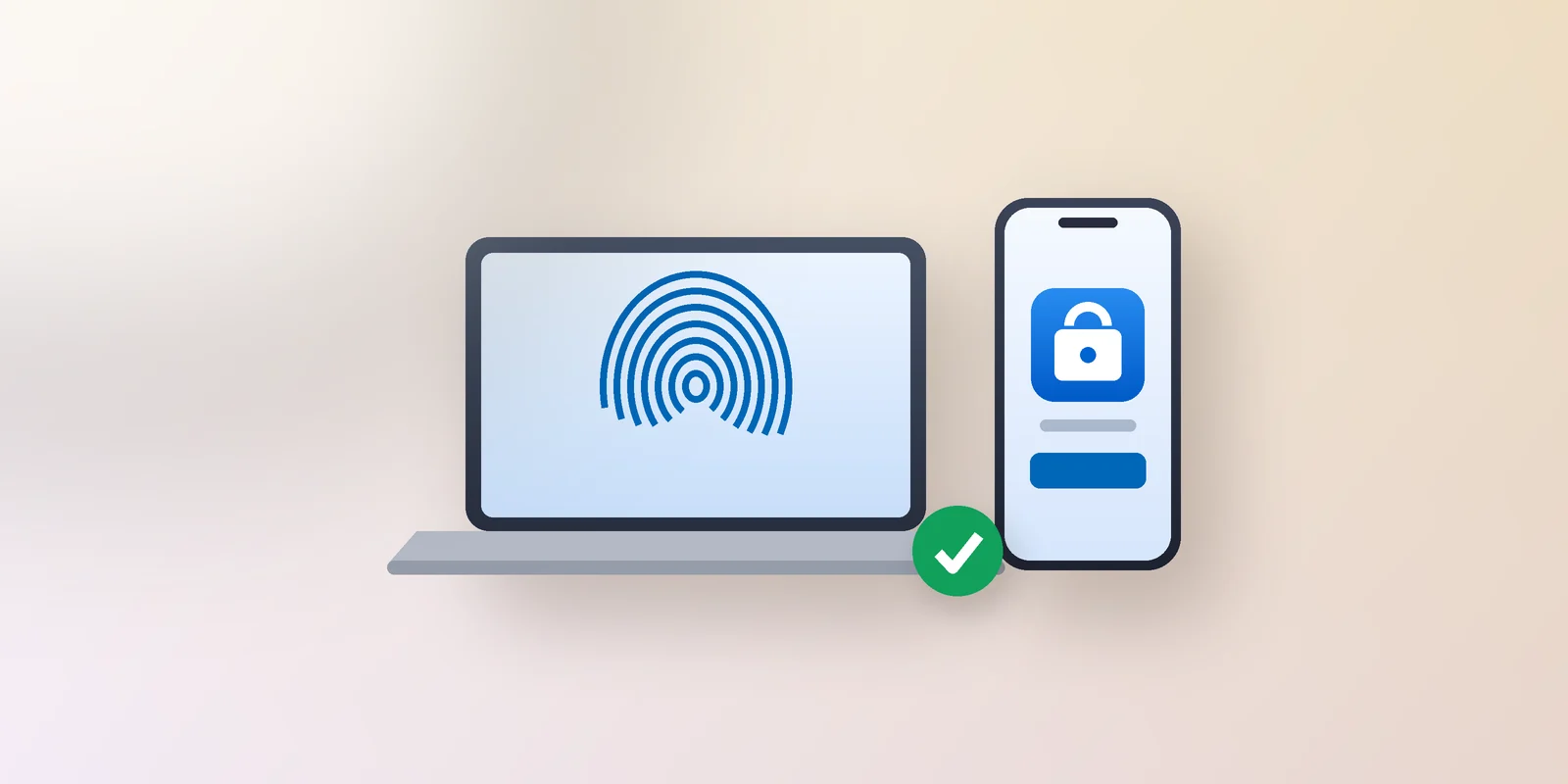
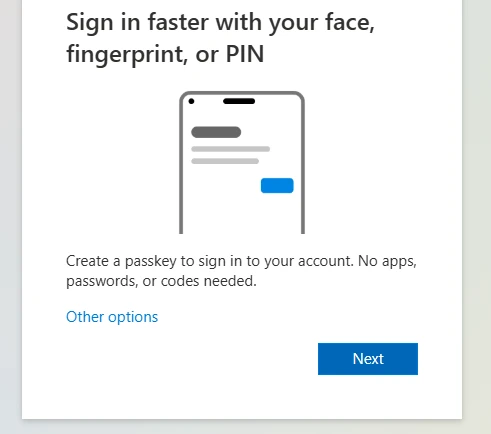
If you have Microsoft Authenticator, adding a passkey gives you two. If you have a passkey on your computer, adding Microsoft Authenticator on your phone gives you two. Either combination is fine. The point is that losing one device should be an inconvenience, not a lockout.
If you have not done anything yet
The deadline has not moved. From 1 February 2027, if a text code or phone call is the only way you verify your sign-in, you will not be able to sign in until you set up something else. Setting up Microsoft Authenticator removes that deadline for you entirely.
- Install Microsoft Authenticator from the official App Store or Google Play. Check you have the right app before you install: it is called Microsoft Authenticator, published by Microsoft Corporation, with the blue padlock-and-person icon. Lookalike apps exist in both stores.
- Open the app, choose Add work or school account, then Sign in.
- Sign in with your Microsoft 365 work account and follow the prompts.
If the option to add the app is not there, or it will not complete, that is not you doing it wrong. Some accounts need a setting changed first. Ring us on 09 579 5432 and we will sort it out at our end.
One reminder about copycats
Genuine Microsoft prompts appear inside your sign-in, on screen, while you are signing in. They do not arrive as an email demanding urgent action. If a call or email claims to be from Anvil or Microsoft and asks for codes, passwords or sign-in details, hang up and ring us back on 09 579 5432 to check. We would far rather take the call than not.
This is the second of the two emails we promised. If anything else lands claiming to be part of this change, it is not from us, and we would like to hear about it.
Still stuck on shared logins or no personal phone?
If you share a login with colleagues, cannot use a personal phone for work sign-in, or do not have a smartphone, please contact us. There are workable options for all of these and we will help you plan the right one.
Cheers
Ashley Kirk | Anvil Solutions Ltd
support@anvil.net.nz | 09 579 5432 | anvil.net.nz