
More of our clients are commissioning AI tools, automations, integrations and small custom systems. Most of them work well on day one.
The trouble usually starts months later. Something breaks, the original developer has moved on, and support lands with your IT provider or a new consultant who has never seen the system. Nobody can find the documentation, the logins or, sometimes, the account the whole thing runs on.
That isn’t a criticism of developers. It’s a gap in how these projects are commissioned, and it’s easy to close.
The question that matters most: whose account is it?
A surprising number of business systems are built on someone else’s account: the developer’s Microsoft or Google login, a consultant’s AI subscription, personal API keys, a shared password.
When that person leaves, the business can be locked out of its own system. A perfectly good application becomes impossible to maintain because nobody knows which account hosts it, who receives the bills, or whose phone the security codes go to.
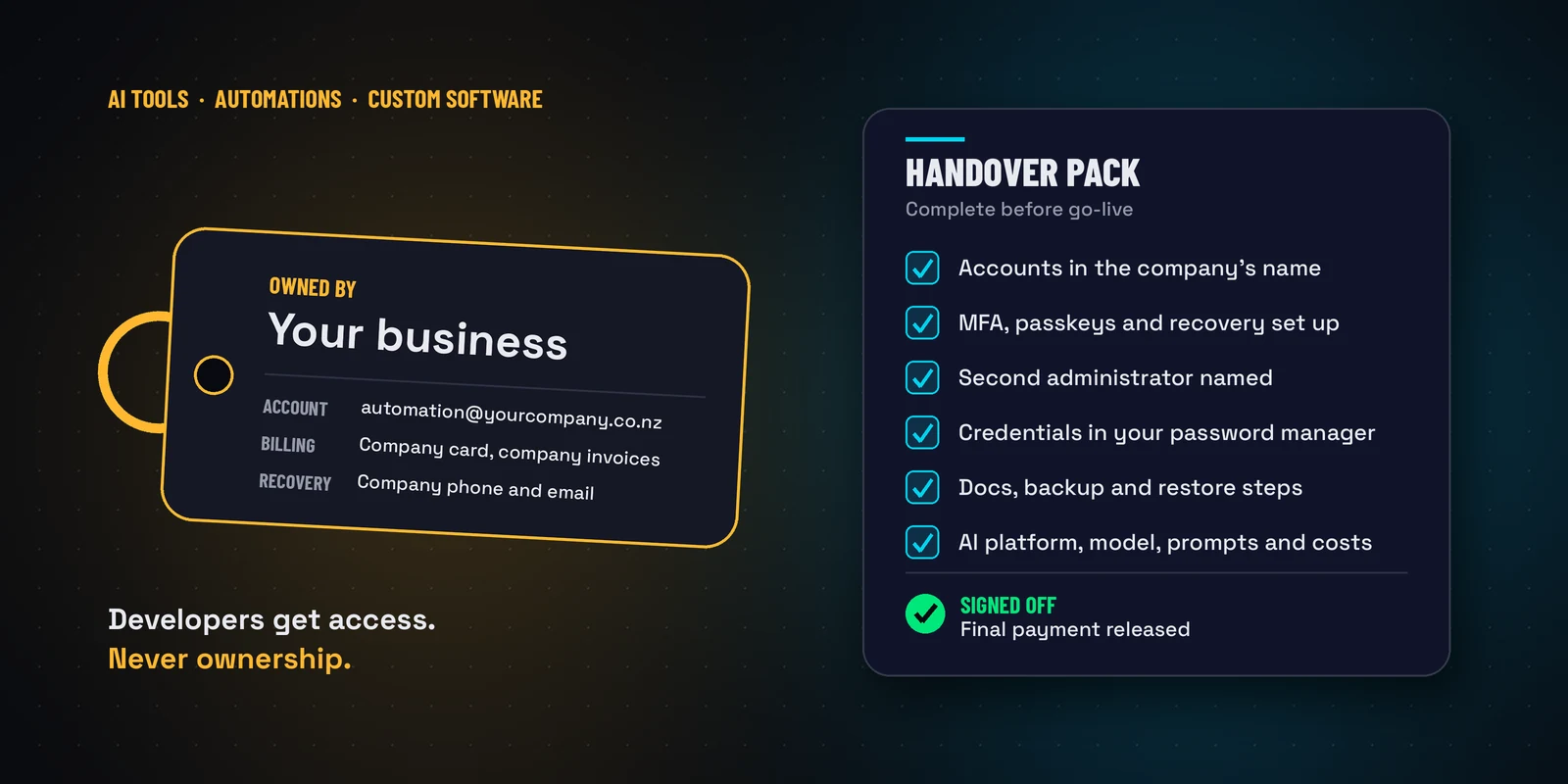
So we suggest one simple rule: every production system runs on accounts your business owns.
In practice:
- Create dedicated accounts for each system, such as automation@yourcompany.co.nz or ai-platform@yourcompany.co.nz, and build everything under them.
- Your business owns the cloud subscriptions, API keys, domains, code, data and billing. Developers are given access, not ownership.
- At the beginning of the build, turn on multi-factor authentication (passkeys where they’re offered), set recovery details to company addresses and phone numbers rather than anyone’s personal mobile, name a second administrator, and write down how you’d get back in if everything else failed.
- Keep the credentials in your company password manager. Never accept them by email or chat.
Doing this before go-live takes a couple of hours. Discovering it after an outage can take weeks.
Ask for a handover pack, and pay on delivery
Beyond accounts, ask for documentation that would let someone else support the system: how it works, how it connects to your other systems, and how to back it up and restore it. For AI tools, add which platform and model it uses, where the prompts and instructions live, what it costs to run, and what happens if the AI provider changes which models are available.
Make that handover part of the agreement, and release the final payment once it’s delivered and checked. Good developers already work this way and will welcome it.
A checklist you can give to any vendor
We’ve put together a short checklist, AI Application & Custom Software Handover Requirements, covering ownership, account security, documentation, recovery, credentials, AI-specific details and sign-off. It’s written so you can hand it straight to any developer, consultant, agency or contractor at the start of a project.
Download the checklist (PDF) Editable Word version
If you’d like help reviewing a system you already have, or setting up the right accounts before your next project, call us on 09 579 5432 or email support@anvil.net.nz.